The Virgin Voyages app is your entire cruise experience in your pocket. Your boarding pass, your dining reservations, your room key setup, your daily schedule, your food delivery. Everything runs through it.
It's also... an app. Which means it has quirks. So let me walk you through how it actually works, what to do first, and the stuff I wish someone had told me before my first sailing.
Download It Early. Like, Now.
Don't wait until you're at the port. Download the app as soon as you book your sailing. Here's why: check-in opens 30-45 days before departure, and you want to be ready the second it does. Early check-in means earlier boarding group, which means you get on the ship sooner, which means you're sipping something by the pool while other people are still in line.
The app will walk you through the check-in process. It's straightforward. Upload your ID, take a selfie, fill in your travel details, done. The whole thing takes about 10 minutes.
Dining Reservations: The Most Important Thing in the App
This is where strategy matters. VV has 20+ eateries on every ship, and every single one is included in your fare. No upcharges, no "specialty dining" fees. But the sit-down restaurants take reservations, and the popular ones fill up.
When reservations open:
- Sea Terrace cabins: 45 days before sailing
- Suite guests: Earlier (usually 60+ days)
What to book first:
- Pink Agave. Always Pink Agave. It's Mexican fine dining and it's the hardest reservation on the ship. If you don't book it early, you'll be checking the app obsessively for cancellations. (I've been there.)
- The Wake. Surf and turf at the stern of the ship. Gorgeous setting, great food, book it for a sunset dinner.
- Gunbae. Korean BBQ with soju. It's a communal table experience and it's wildly fun.
You can read my full restaurant breakdown for the complete strategy, but the short version is: book your top 3-4 restaurants as soon as the window opens, and leave a couple of nights flexible.
📌 Good to know: You can modify reservations right up until the day of. Changed your mind? No penalty. Just swap it in the app.
The Band: Your Room Key, Wallet, and ID
When you board, you'll get The Band. It's a wristband (or sometimes a pendant, depending on the sailing) that does everything. It unlocks your cabin door, charges purchases to your onboard account, and serves as your ID for getting on and off the ship at ports.
The Band connects to your app profile, so any credit card you have on file gets linked automatically. When you buy a cocktail, you just tap The Band. When you come back from a shore excursion, you scan The Band. It's genuinely seamless once you stop reaching for your pocket out of habit.
💡 Pro tip: make sure your payment info is set up in the app before you board. You don't want to be sorting out credit card details on embarkation day.
Ship Eats: Room Service, But Better
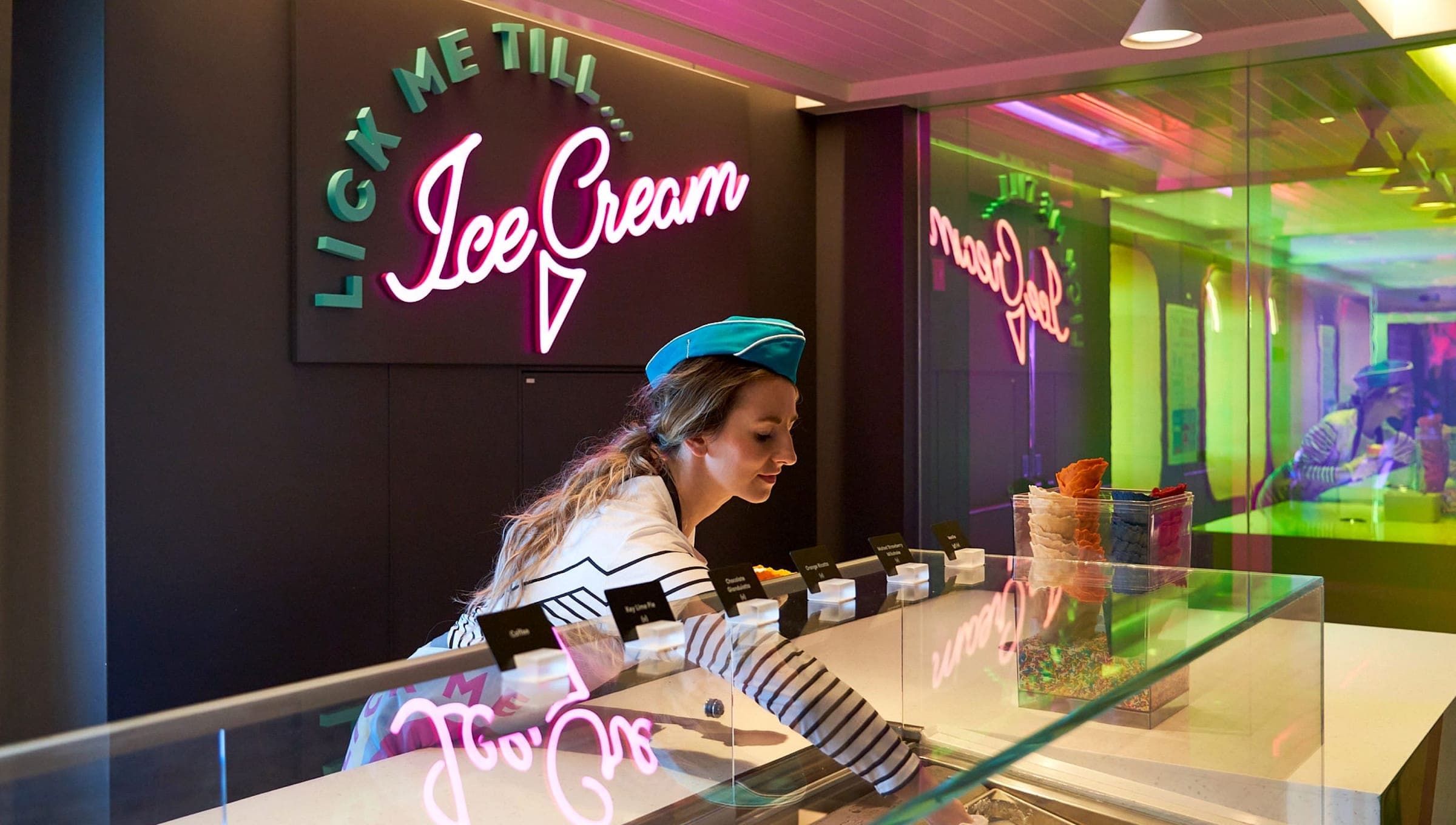
Ship Eats is VV's food delivery service, and it's one of those features that sounds minor until you use it at 11pm on a sea day and realize it's the best thing that's ever happened to you.
Open the app, browse the menu, order food to your cabin. It shows up at your door. Some items have a small delivery fee, but the food itself is included.
When to use Ship Eats:
- Morning: You don't want to get dressed yet but you want coffee and pastries. Ship Eats.
- Late night: You're back from the Manor (VV's nightclub) and you need something to eat. Ship Eats.
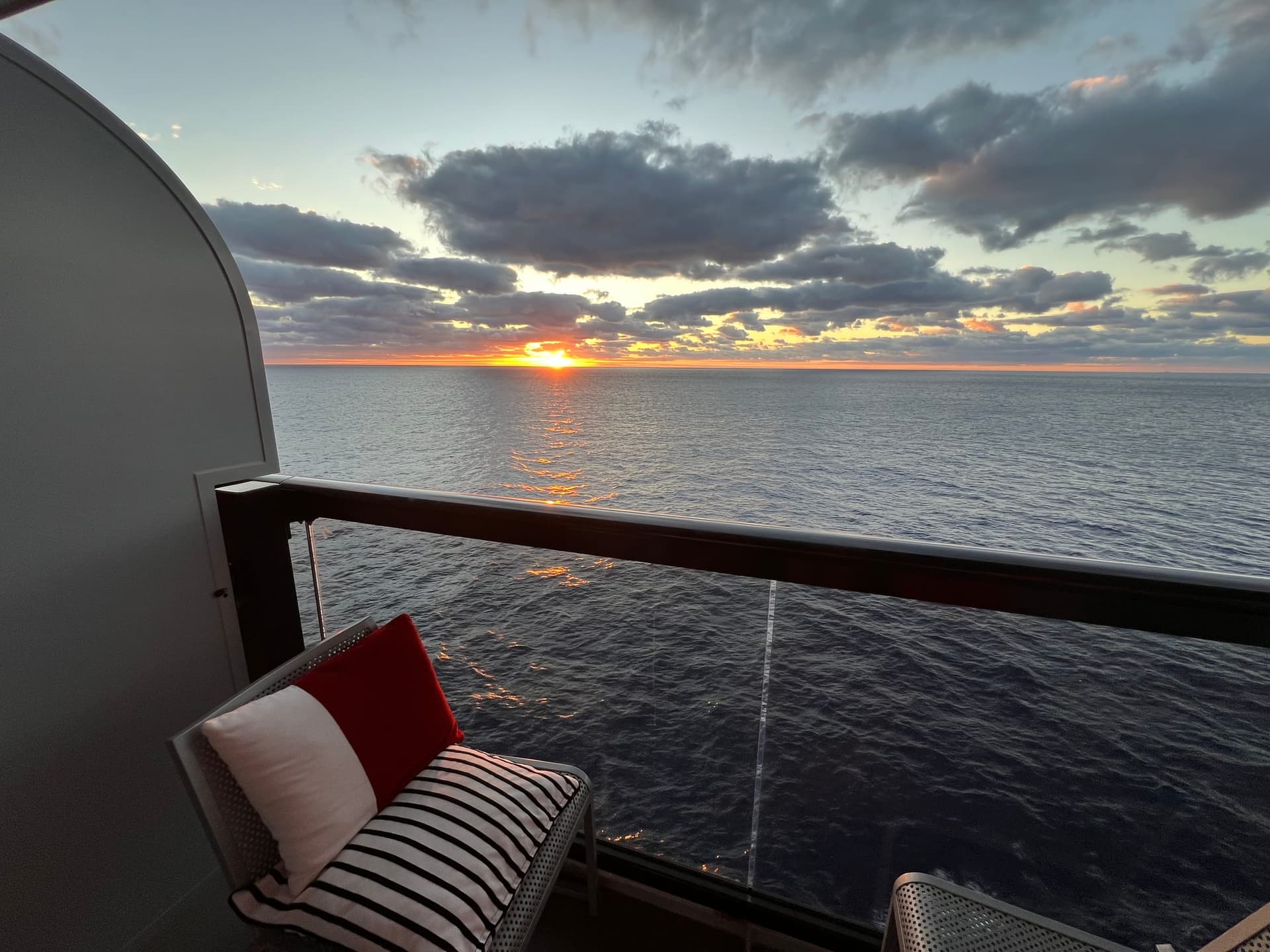
- Lazy sea day: You're on your balcony in the hammock and moving to a restaurant feels like too much effort. Ship Eats.
It's not going to replace the actual restaurants. The sit-down dining is a huge part of the VV experience. But Ship Eats fills the gaps perfectly.
Shore Things: Booking Excursions
VV calls their shore excursions "Shore Things," and you book them through the app. The excursion booking window opens earlier than dining (usually 120 days out, 135 for suite guests), and the popular ones do sell out.
I've got a whole post on which Shore Things are worth booking, but the app mechanics are simple: browse by port, read descriptions, book, pay. You can cancel most Shore Things up to 48 hours before without penalty.
💡 Booking tip: Some Shore Things have limited spots. If you see something you want, book it. You can always cancel later. But you can't book something that's already full.
The Daily Schedule
Every day, the app updates with the full schedule of events, entertainment, fitness classes, and activities. It's like a digital version of the old cruise ship newsletter, except it's actually useful and you won't lose it in your cabin.
Check it every morning (or the night before) to see what's happening. Drag shows, DJ sets, workout classes, trivia, live music. It's all in there. You can even set reminders for things you don't want to miss.
Messaging Other Sailors
If you're traveling with a group, the app has a built-in messaging feature. You can message anyone else on the ship who's in your connected group. It runs over the ship's wifi, so you don't need cell service.
This is a lifesaver when you're trying to coordinate dinner plans with six friends who are all on different decks doing different things. "Meet at The Dock at 7" is much easier than trying to track everyone down on a ship that holds 2,700 people.
What Doesn't Work Great
I'm going to be honest because that's the whole point of this blog.
The app occasionally hiccups when the ship's wifi gets congested. Usually it's fine, but on a full sailing during peak hours, you might hit a lag. 💡 Pro tip: Download your boarding pass to your phone's wallet before you board, so you always have it even if the app is being slow.
The interface can also be a little overwhelming the first time. There's a lot in there.
Focus on check-in and dining reservations first. Everything else you can figure out once you're on board.
The Quick-Start Checklist
Here's your timeline:
- Booking day: Download the app, set up your profile, add payment info
- 120-135 days out: Book Shore Things (excursions)
- 45-60 days out: Book dining reservations (depends on cabin type)
- 30-45 days out: Complete check-in, upload ID, take selfie
- Day before sailing: Download boarding pass to phone wallet
- Embarkation day: Breeze through check-in, get your Band, start living
That's it. The app does a lot, but if you follow that timeline, you'll be ahead of 90% of the people on your sailing.
Questions About Any of This?
I walk my clients through the app setup as part of pre-cruise prep. It's one of the perks of booking with me. But even if you're just browsing, take the quiz and let's figure out your first (or next) sailing.
Not sure which sailing is right for you?
Take the 2-minute quiz and I'll point you in the right direction.
Brandon
Queer-owned travel advisor obsessed with Virgin Voyages. First Mate certified, FORA partnered, and here to help you plan an incredible cruise.